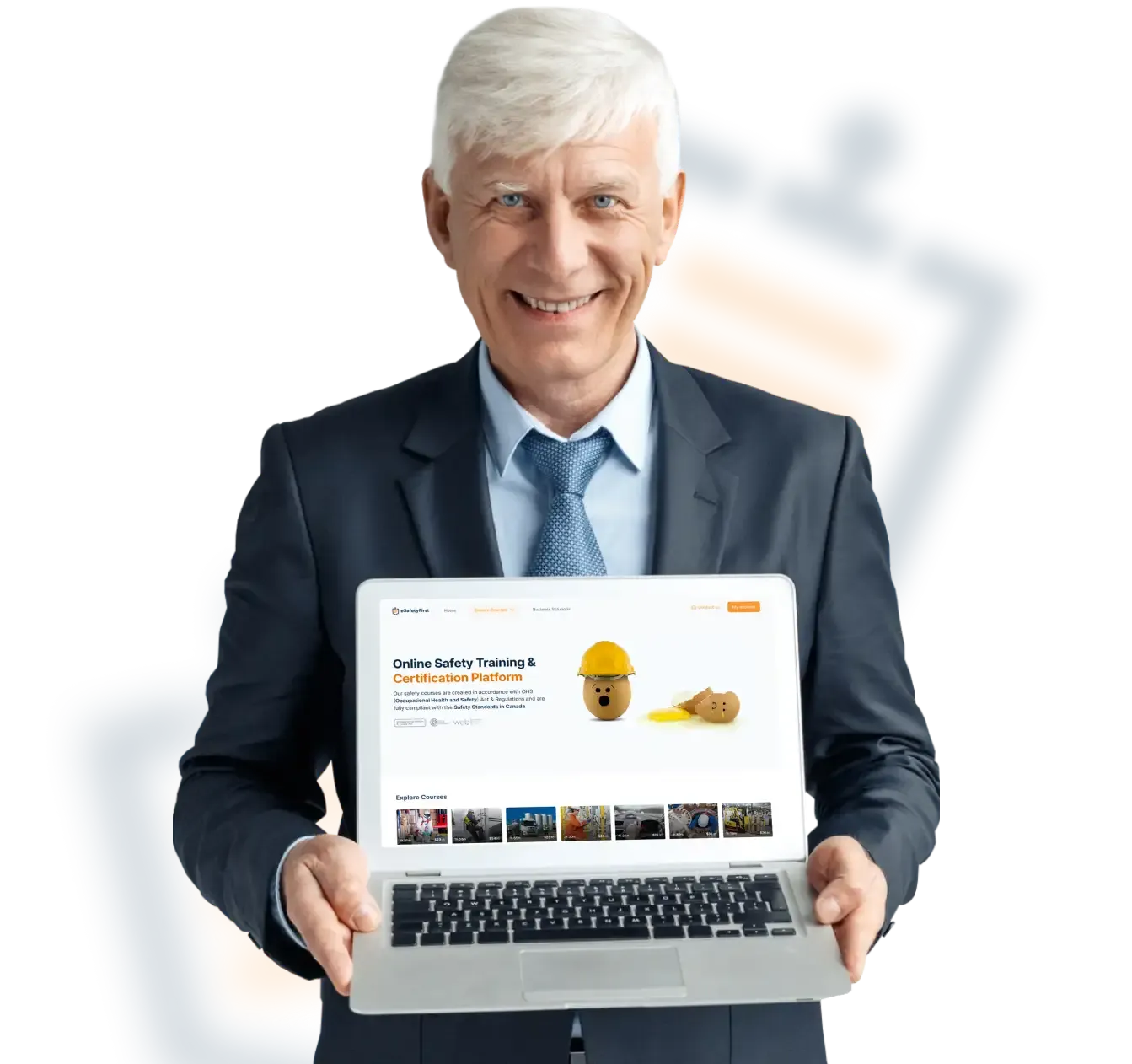
Powerful Platform Features
Our LMS is built so that anyone — whatever their technical background — can use it, personalize it and scale it to their needs.
The key elements defining this platform are simplicity, accessibility and ease of navigation.
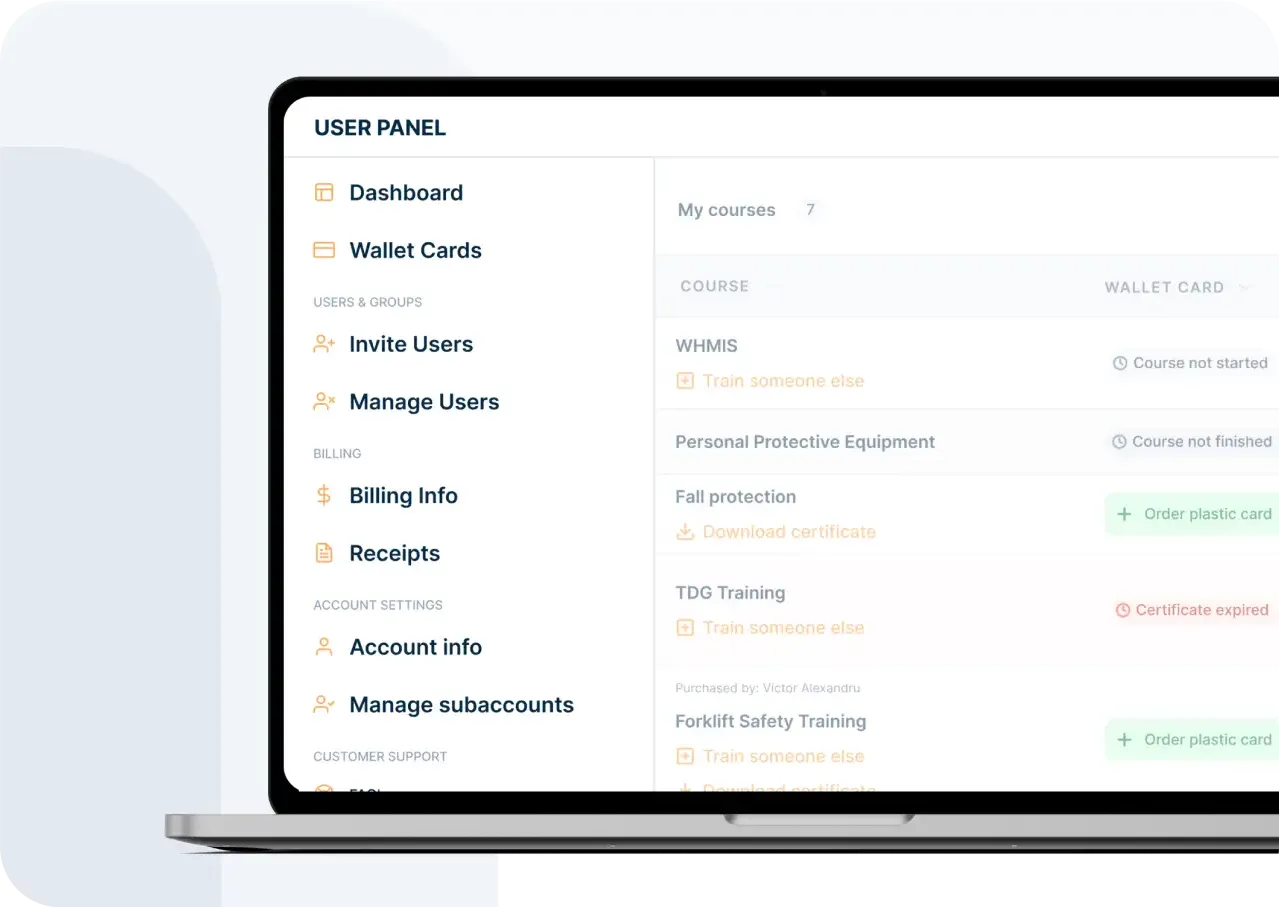
Invitation system
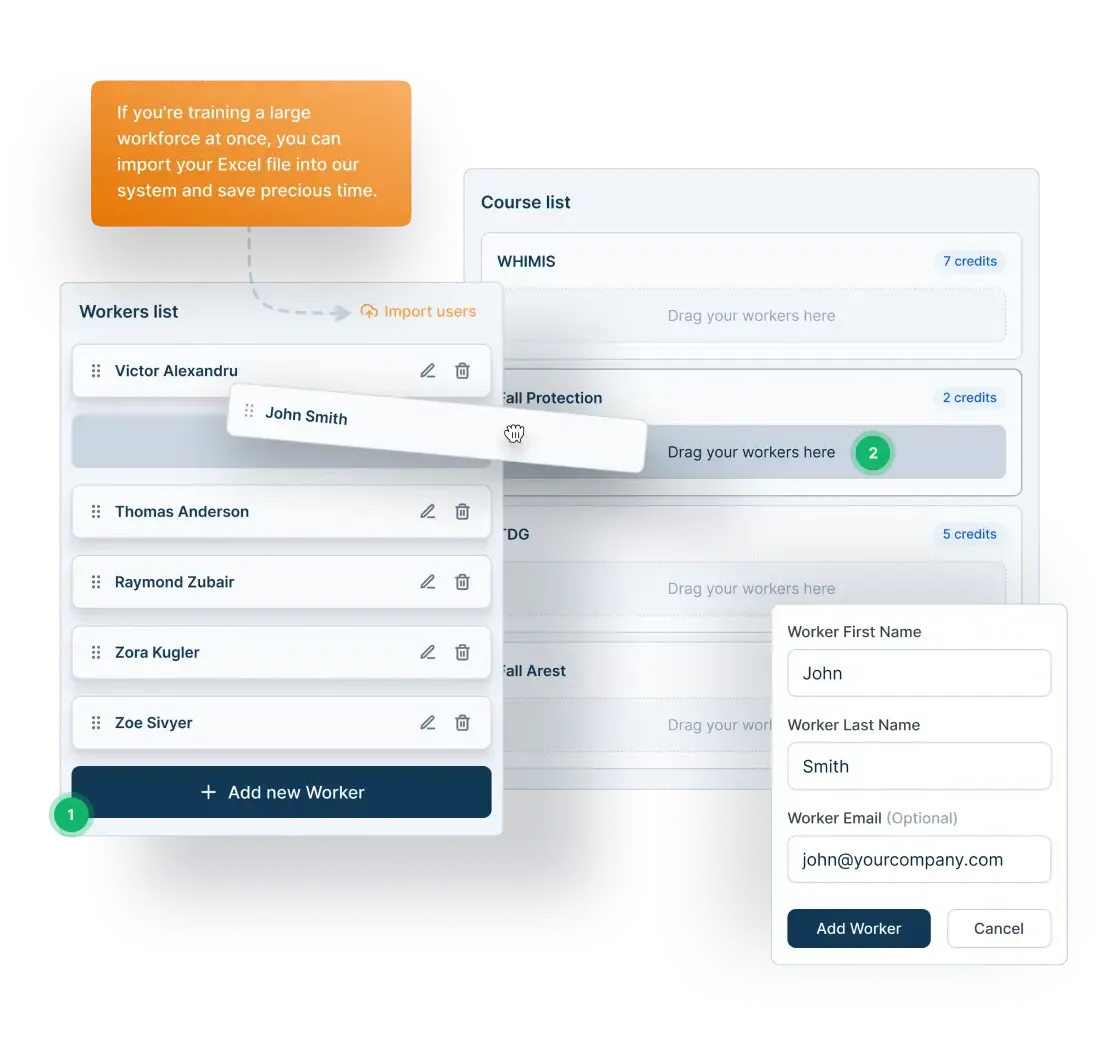
The invitation system is where you can assign courses to your workers.
This process is done in a step-by-step guide where all the information required is the first name, last name and, optionally, the worker's email address.
You do not have to sign up each of your workers individually to use our system. Distribute courses at scale with just a few clicks.
Simplify training process
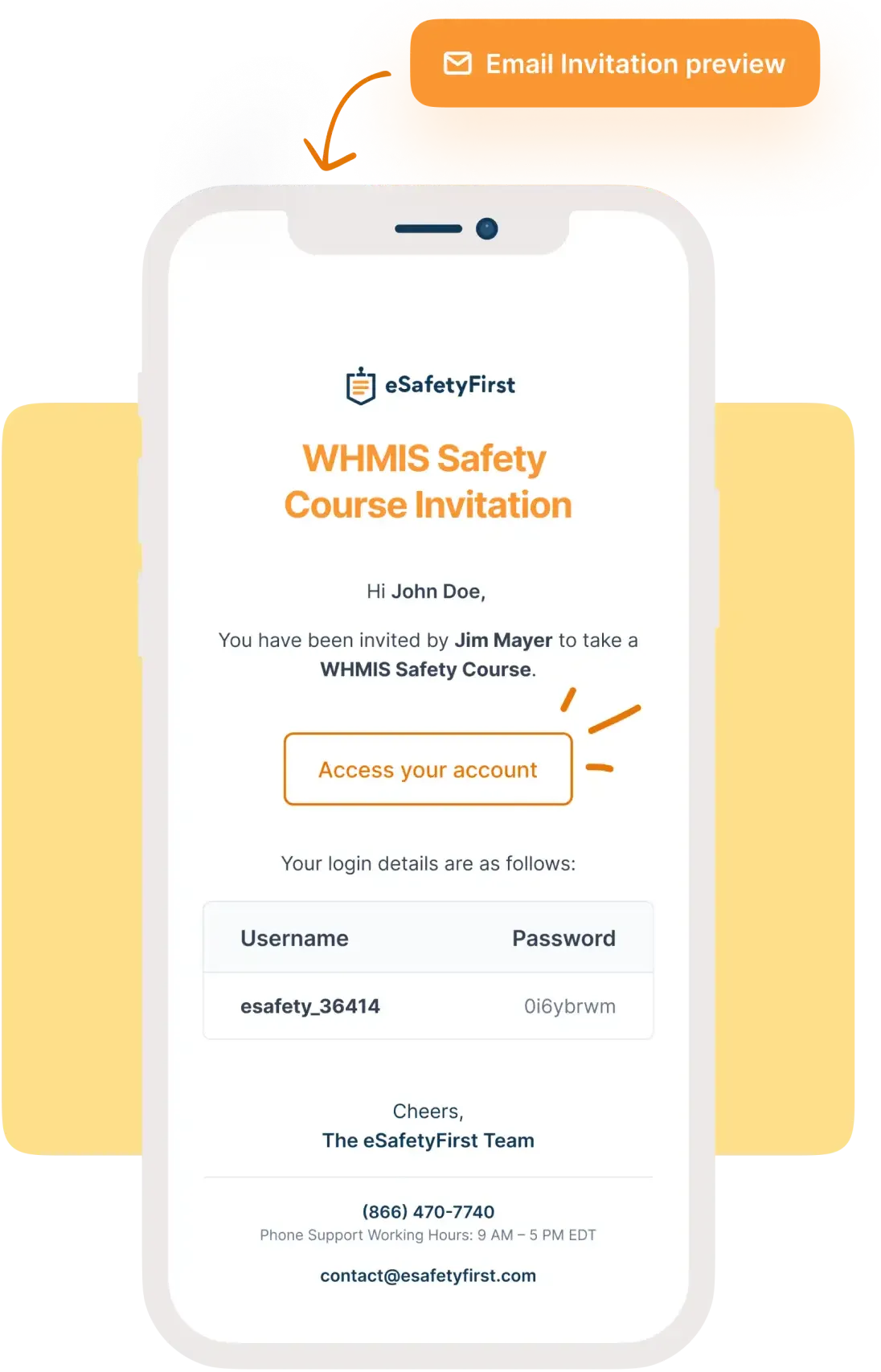
Once courses are assigned, accounts are created automatically for your workers, and instructions on how to get started are delivered to them.
Rather than using access codes or personalized links and sign-up processes, we do everything automatically in the backend.
Works on any device
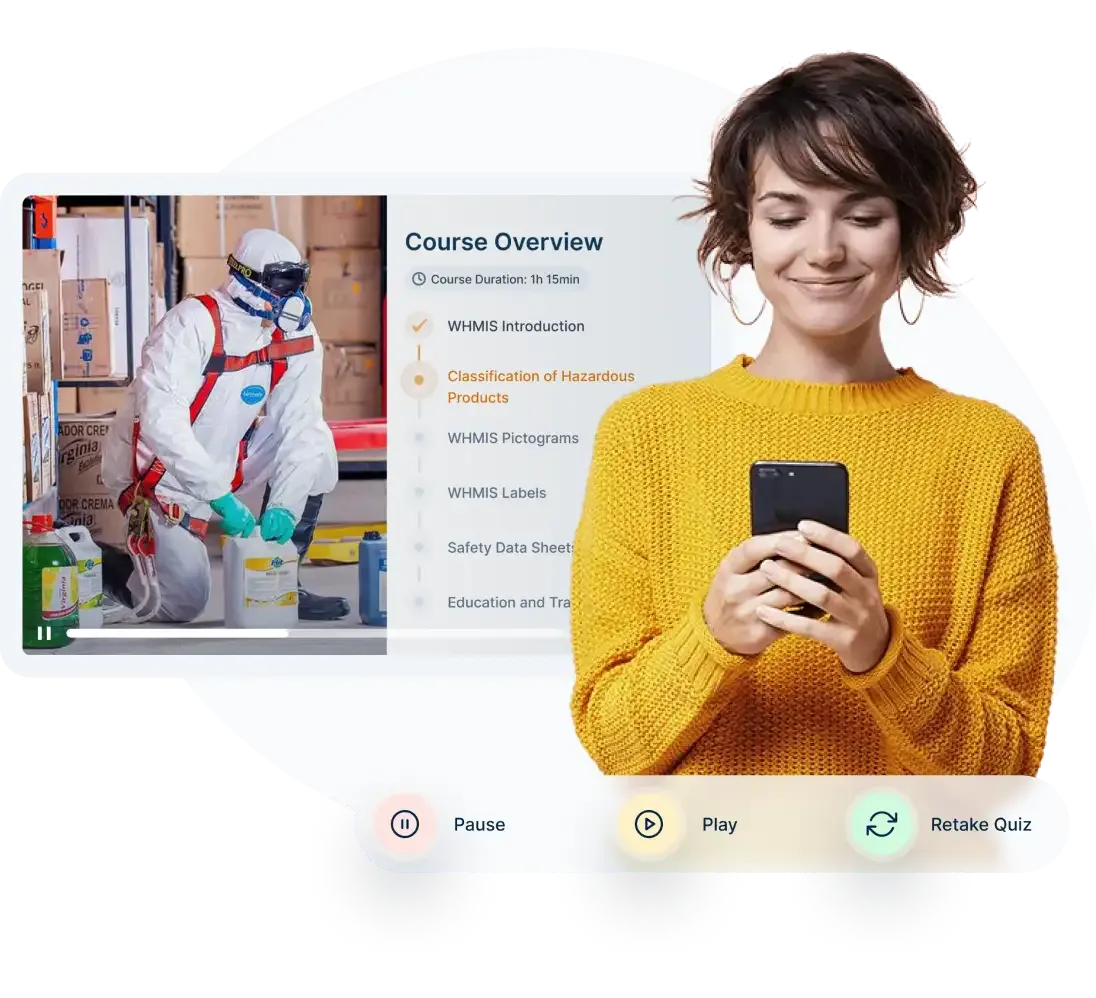
With a growing base of mobile users, our learning system displays and responds fluently on any mobile/tablet screen or resolution.
Whether you use our system from a desktop or a mobile device, the user experience is our first priority.
Training in Group or Individually
Individual training is a solution every competitor can offer. Our group training system goes further: it lets you simulate classroom sessions from the comfort of your own workplace.
This training method also reduces the costs and the time it takes to deploy safety training at scale.
Find out more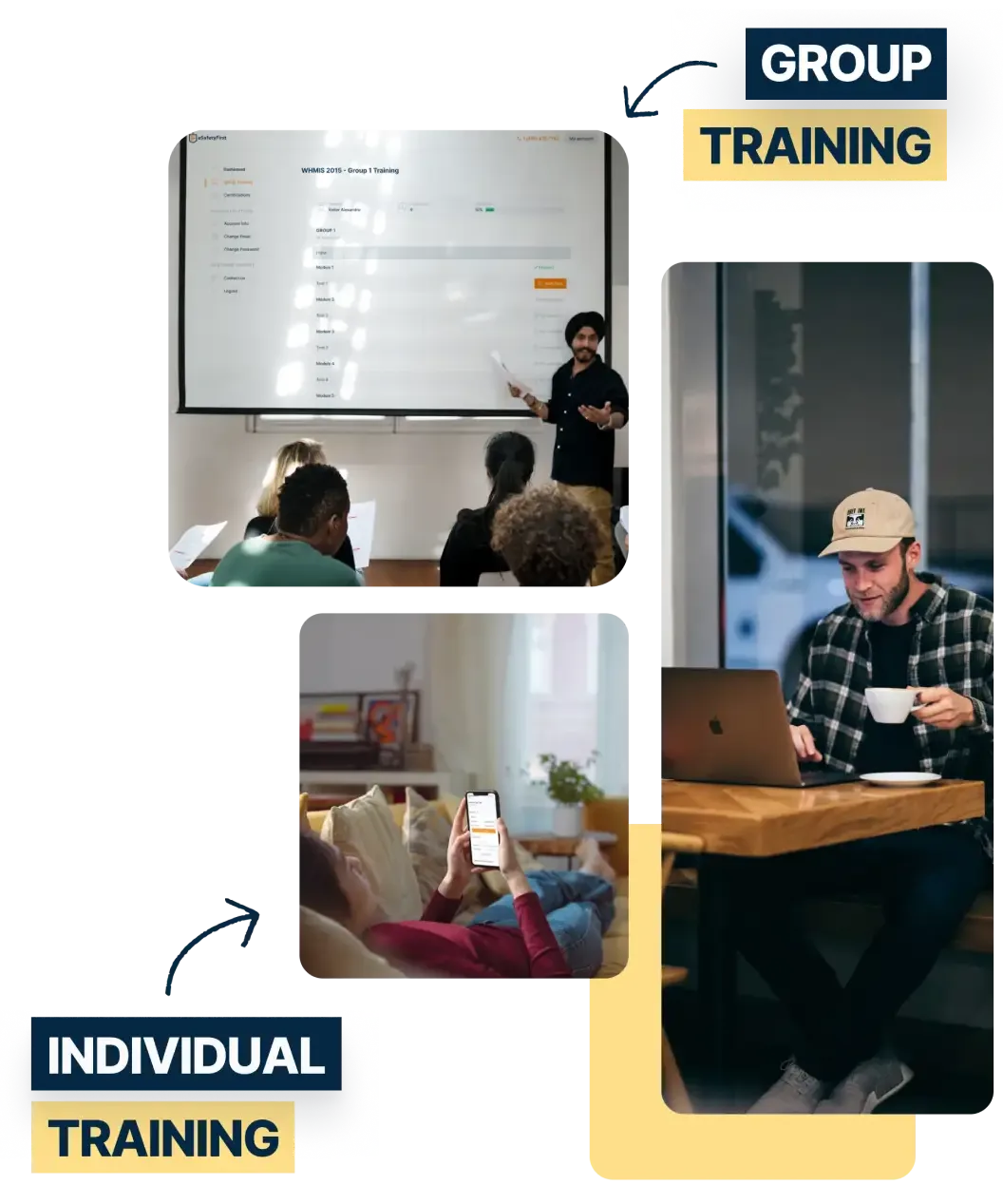
Designed for workers Built for business
Unenroll & remove features
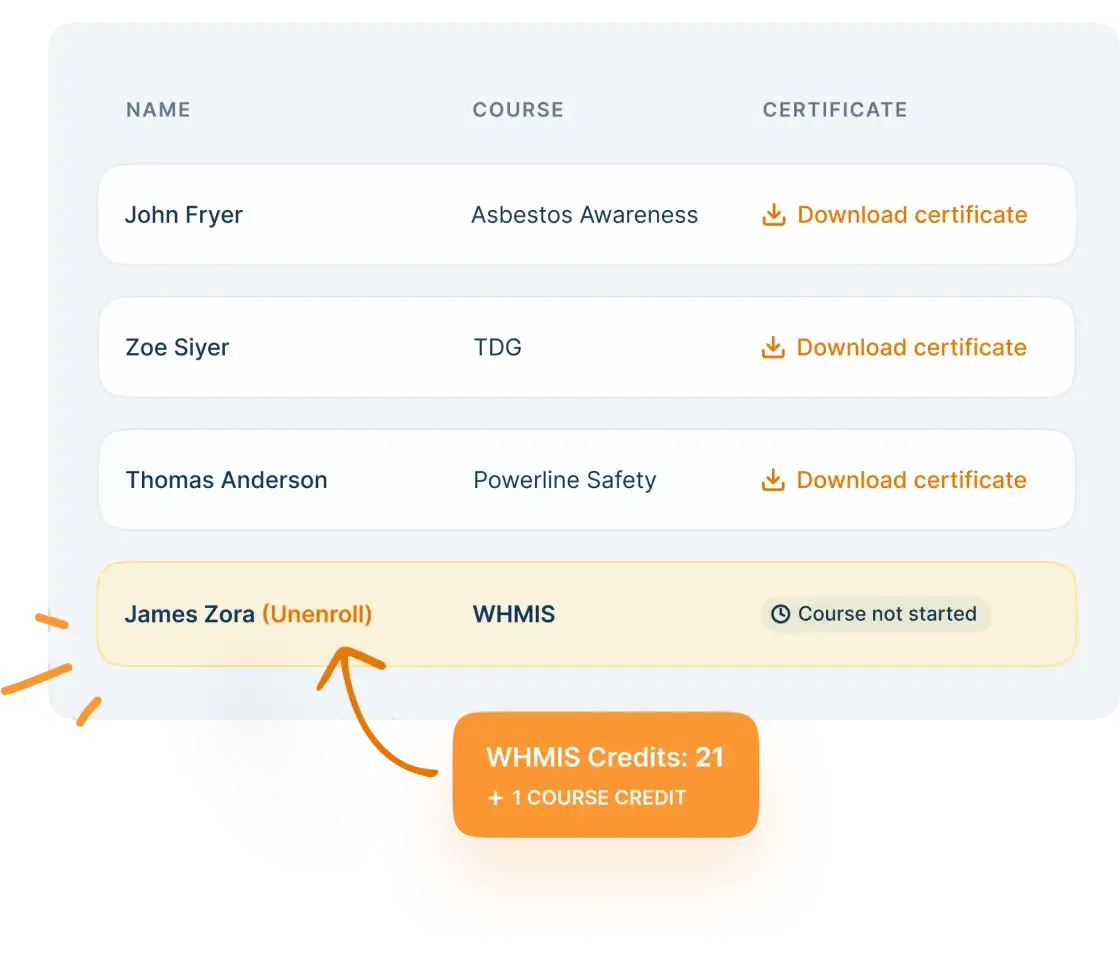
Unenroll
Anyone invited through our system who has not yet started the program can safely be unenrolled without losing course credits — so employers can reorganize training and pay only for what is used.
Remove features
Workforces change over time. That is why employers can remove workers who have left the company and scale their training programs to the people actually in the organization.
Filters & bulk actions
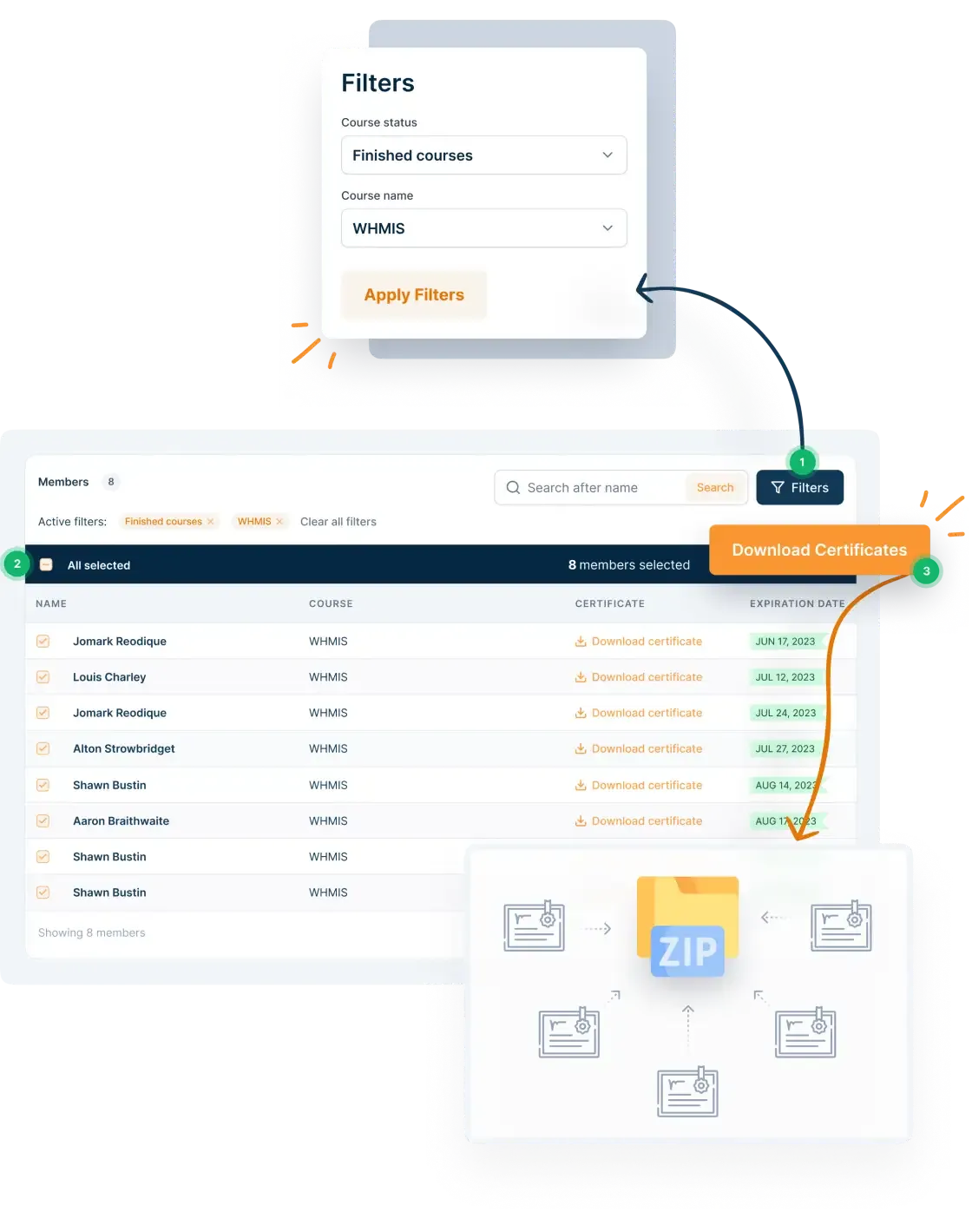
When you manage a large workforce or many programs at once, you need to filter what you see.
With Filters and Bulk Actions you can perform simple tasks in bulk — download the certificates of everyone who completed a particular program, or renew everyone’s training, in a few clicks.
Branch management
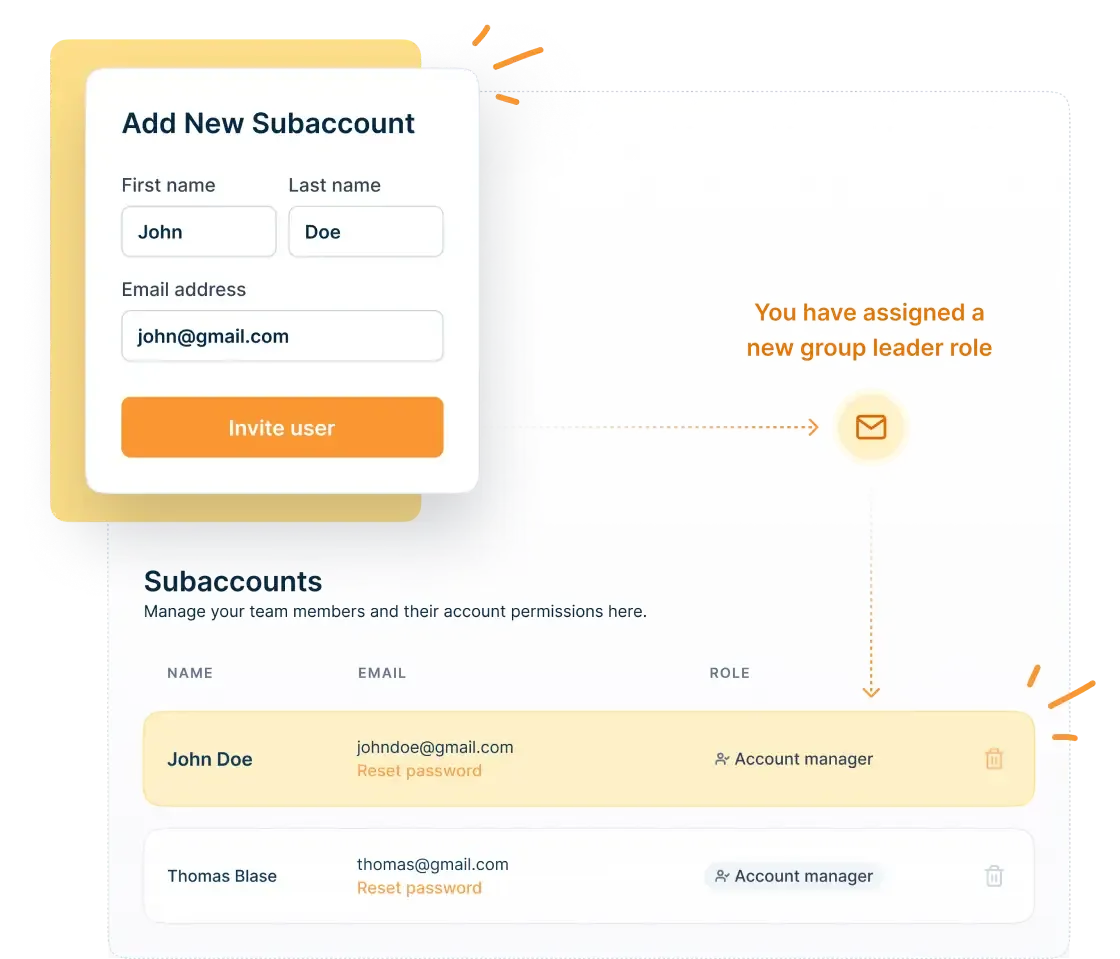
Our LMS lets you assign secondary management levels — multiple profiles that can distribute courses and manage current programs.
This helps when you have multiple branches to manage, with every branch manager administering their own programs — or when the person buying the training is not the person implementing it.
Ready to Train your Workers?
There are many more features that define our LMS.
The features on this page are a selection of what makes our system different — the product of years in this industry, built so companies can stand up their safety training programs quickly.
To see the platform without any commitments, visit our Platform Demo page.