Platform Demo
A technical demonstration of our platform is available to any potential customer, with no commitments.
Before you open the demo account, read this page to understand how it works, what is available to you, and the demonstration’s limits.
Request a Demo
What can you do inside the demo?
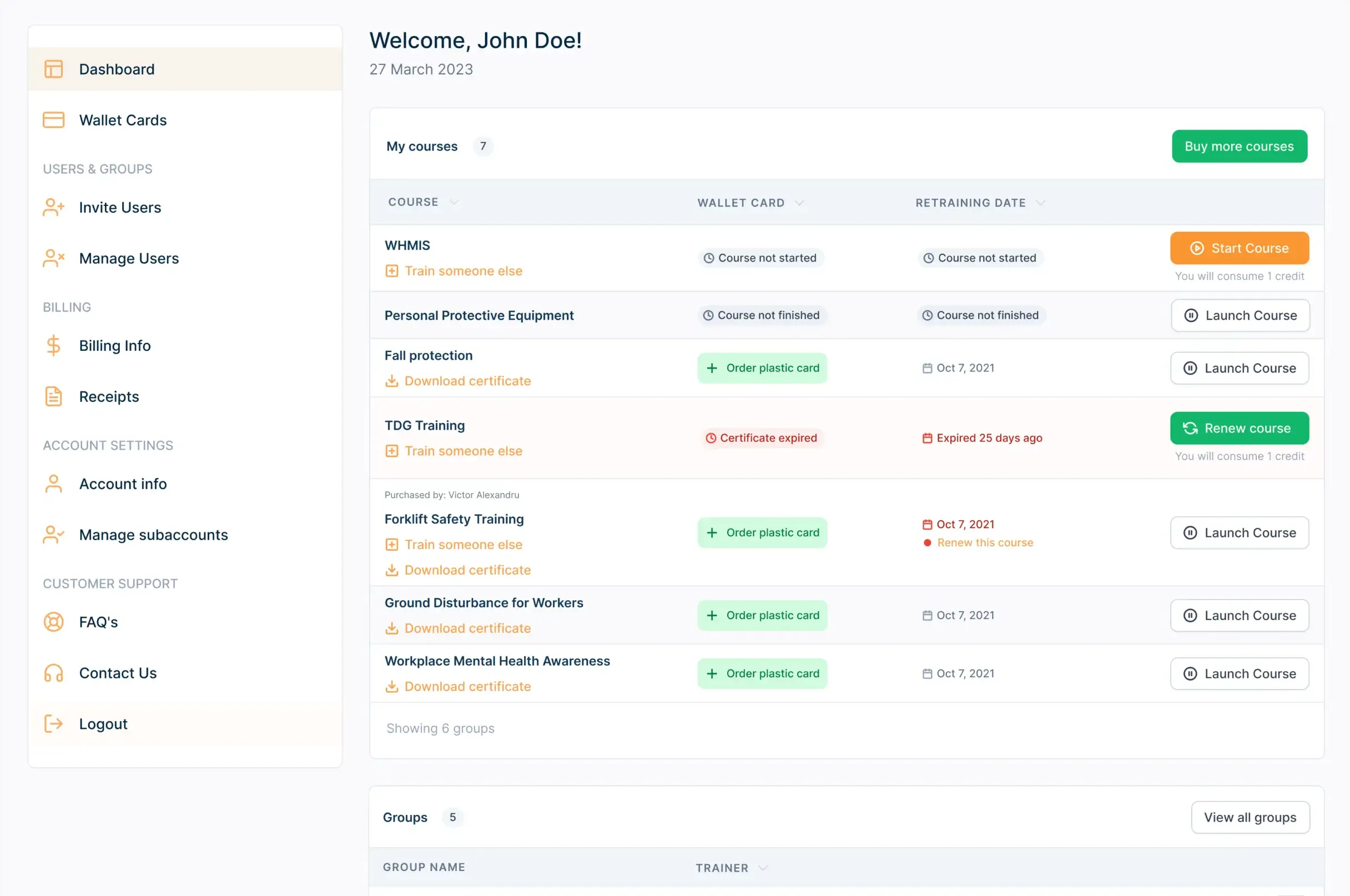
Our user panel follows a simple and familiar interaction concept.
The navigation menu sits on the left of the screen; the options for the selected menu item appear in the centre.
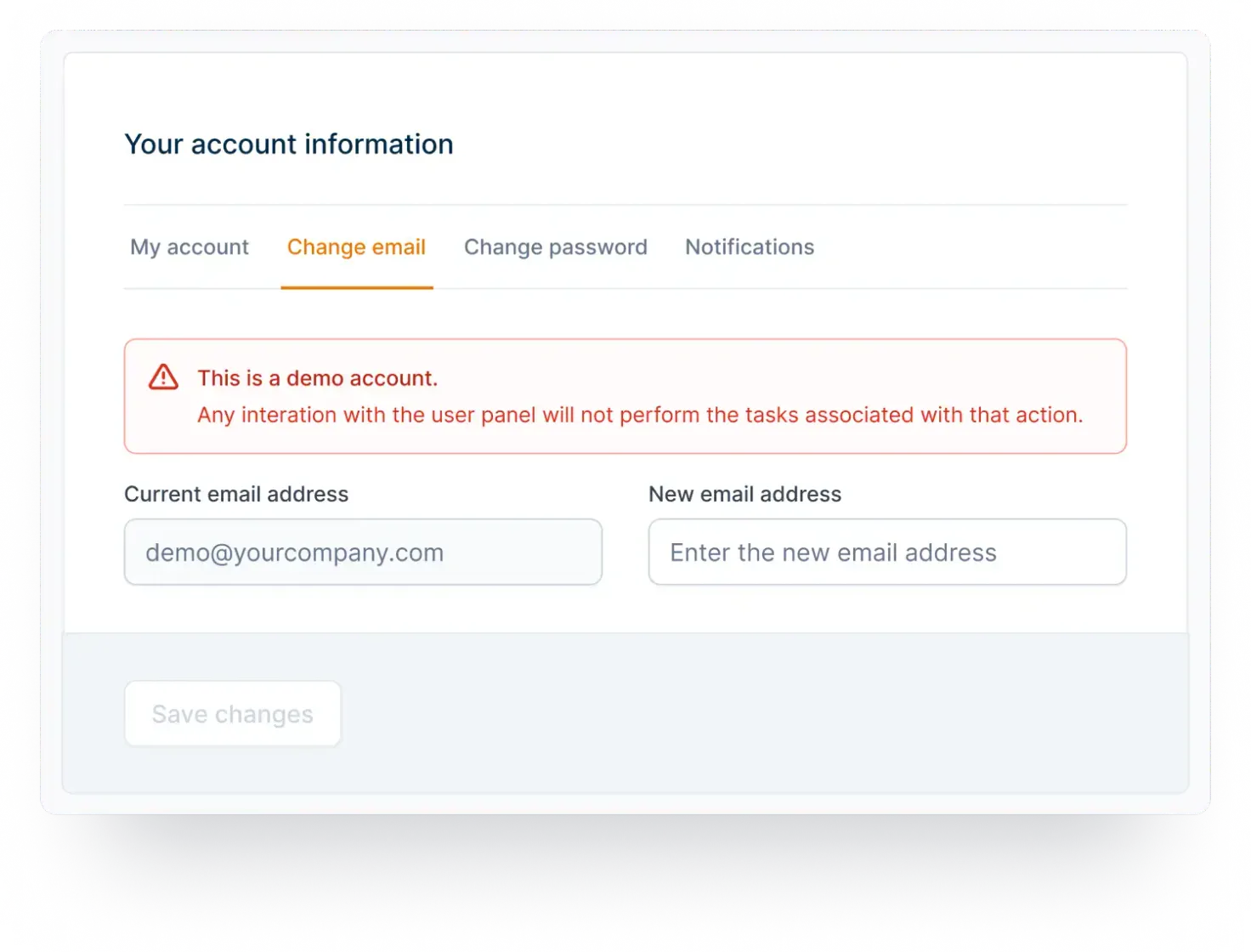
Because this is a demo account, only a few limited scenarios are available to you, and interactions with the user panel will not perform the real task behind them.

Account & Access Level
Every demo account on our platform comes with a predefined set of rules and settings.
The demo exists so you can navigate the available functions and options — without paying — and decide whether our LMS is right for your training needs.
Dashboard
The dashboard shows your purchased courses with their quick actions (Start Course or Train Someone Else), a preview of your transaction history, and the five questions customers ask most.
Request physical wallet cards for certificates already obtained.
Assign courses you have purchased to your employees or colleagues.
Manage the users you have invited to take our programs, with bulk actions based on the filters you select.
Edit the billing details that appear on your receipts.
Download and print the receipts of previous transactions.
Edit account preferences such as shipping details, login details and mailing preferences.
Quick navigation to our FAQ page.
A contact form that reaches our support service.